



































Free QR Code Generator Dubai & UAE

Create free static and dynamic QR codes for WhatsApp, WiFi, vCard, restaurant menus and websites. Add your logo, track every scan and download print-ready PNG or SVG. Need a quick code? Try the free QR code generator for the UAE, no sign-up. Available in Arabic and English for Saudi Arabia, Qatar, Kuwait, Oman, Bahrain and the whole Middle East.

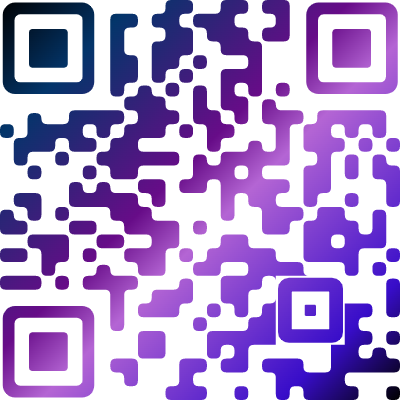
Show more gradients
➞

Advanced Gradient

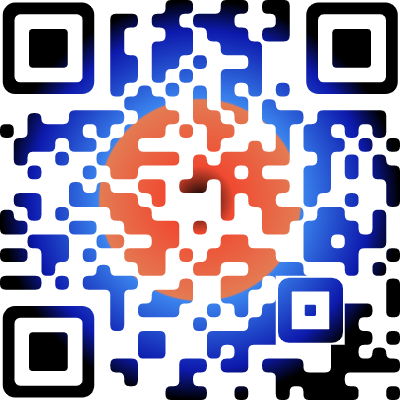
Make your QR code stand out from the crowd, add gradients with unlimited color stops.

QR Code with gradient
Show more examples
➞

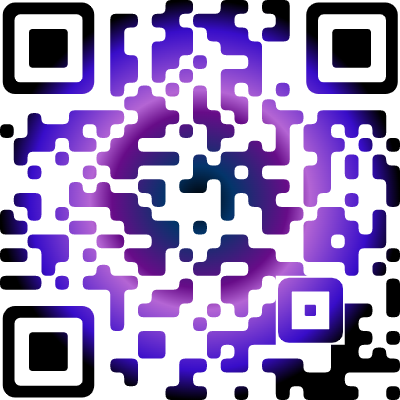
Outlined Shapes

Create QR code related to your business niche, 50+ shapes available to choose from.

QR Code with gradient

Why choose Dubai QR Code Generator?

A free QR code generator for Dubai and the UAE with static and dynamic QR codes, scan statistics, custom design with your logo, and ready-made pages for menus, business cards and lead forms.

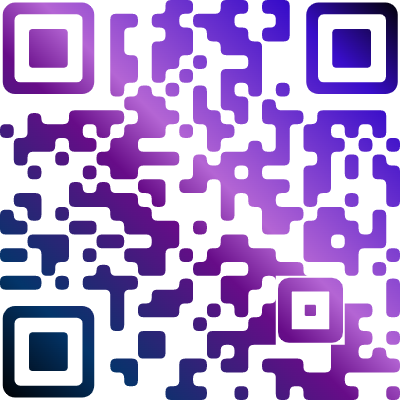
Custom gradient QR code with logo created with Dubai QR Code Generator

Static codes store your link, text, WiFi login or contact card inside the pattern itself. They carry no watermark, have no scan limit and keep working for as long as the destination exists.

Change the destination of a dynamic QR code any time without reprinting menus, signage or packaging. Start with a free 15-day trial, no credit card required.

See how many people scanned, when, from which city and country, and on which device or operating system, so you can judge every poster, flyer and shop-window campaign.

Add your logo, brand colours, unlimited-stop gradients, 50+ outlined shapes and stickers, then download PNG or SVG for print or screen.

Business profile, vCard Plus, biolinks, lead form, restaurant menu and product catalogue pages are built in, so one scan can show more than a link. Try them during the free trial.

Organise codes in folders, invite team members, connect a custom domain and use the REST API, and import many URL QR codes at once from a CSV file.

New to QR codes? Start free, no sign-up

Need a quick QR code for WhatsApp, WiFi, your website or a business card? Use our free QR code generator for the UAE: no account, no watermark, download PNG or SVG. When you want to edit the link later or see scan statistics, create a free account and switch to dynamic QR codes.

Free QR generator, no sign-up Create free account

How to create a free QR code

Creating a QR code takes four short steps and about a minute.

Step 1

Choose the QR code type

Pick the action you want after the scan: open a website, start a WhatsApp chat, join WiFi, save a contact, open a menu, leave a Google review or share a location.

Step 2

Enter your details

Type your link, UAE phone number or text. For quick jobs use the free QR code generator with no sign-up; for editable codes create a free account.

Step 3

Customise the design

Add your logo, choose colours or a gradient, pick a shape or sticker and keep strong contrast between the code and its background so every phone can scan it.

Step 4

Download and test

Download PNG for documents and screens or SVG for large-format print. Scan the final file with at least two phones before it goes to the printer.

QR code types for every use

Choose the type that matches what should happen after the scan. Each one has its own guide and generator.

QR codes for Dubai and UAE businesses

From a Jumeirah café to a Business Bay office, QR codes connect printed material with your phone-first customers.

Restaurants and cafés in Dubai

Put a QR code on table cards, delivery bags and windows that opens the menu, a WhatsApp ordering chat or your Google review page. Update prices or dishes in a dynamic code without reprinting.

Real estate agents and developers

Add a WhatsApp or vCard QR code to brochures, show-unit boards and listing flyers so buyers reach you in one scan. Dubai Land Department issues its own permit QR for advertisements, so use ours for your contact and enquiry links.

Hotels, serviced apartments and holiday homes

Print WiFi QR codes for rooms and lobbies, and add location and review codes for guests who want directions or want to leave feedback.

Retail, malls and multi-outlet brands

Create one tracked code per outlet or campaign and compare scans by city and device, or import many URL QR codes in one go.

Events, exhibitions and conferences

Share agendas, calendar events, exhibitor details and stand WhatsApp numbers on badges, roll-ups and printed programmes.

Schools, teachers and universities

Link worksheets, class sites, Zoom lessons and parent contact forms from handouts and classroom walls.

Clinics, salons and service businesses

Collect Google reviews, take bookings through a WhatsApp or lead-form QR code and show opening hours on a business profile page.

Freelancers and sales teams

Put a vCard QR code on your business card, email signature or LinkedIn banner so new contacts save you in seconds.

Static vs dynamic QR codes

Not sure which one you need? Use static for things that never change and dynamic for anything you print and may want to update or measure.

Static QR codeDynamic QR code
Content can be edited after printingNoYes
Scan statistics (time, place, device)NoYes
ExpiresNeverWhile your plan is active
Account requiredNoYes, with a free 15-day trial
Best forWiFi, contact cards, text, permanent linksMenus, campaigns, flyers, packaging, signage

Frequently asked questions

Quick answers about creating, printing and scanning QR codes in the UAE.

A QR code generator turns a link, phone number, WiFi login, contact card or message into a square code that phones read with the camera. Businesses in Dubai and across the UAE use them for digital menus, WhatsApp enquiries, business cards, event information, payments, product packaging and Google reviews.

Yes. Our free QR code generator for the UAE needs no account, adds no watermark and lets you download PNG or SVG. It formats UAE phone numbers for WhatsApp, call, SMS and vCard codes automatically.

A static QR code holds the content itself, so it cannot be changed or tracked and never expires. A dynamic QR code points to a short redirect link that you can edit at any time and that records scans. Use static for WiFi and contact cards, and dynamic for menus and marketing campaigns.

Static QR codes never expire, but they stop being useful if the website or file they point to is removed. Dynamic QR codes work while your plan is active, so keep your subscription running for any code that is in print.

Yes, with dynamic QR codes. Statistics show the number of scans, the time, the country and city, and the device or operating system, which helps you measure each poster, flyer or shop-window placement.

Choose the WhatsApp type, enter your number in any UAE format such as 050 123 4567 or +971 50 123 4567, and add an optional pre-filled message. The QR code opens a chat with your number when scanned.

Yes. You can add a logo, change colours, build gradients with several colour stops, choose from more than 50 outlined shapes and add stickers. Keep strong contrast between the code and the background and test before printing.

You can import many URL QR codes at once from a CSV file inside your account. The free UAE tool can also export up to 50 QR codes as a ZIP of SVG files for outlets, tables or rooms.

Download PNG for documents and screens and SVG for signage, banners and packaging, where the code must stay sharp at any size.

A QR code on a business card or menu should be at least 2 x 2 cm. For posters and shop windows, allow about 1 cm of code width for every 10 cm of scanning distance, leave a clear margin around it and print dark modules on a light background.

The usual causes are low contrast, an inverted (light on dark) design, a logo that covers too much of the code, a very small print size or too much content. Use dark on light, keep the logo small, shorten the content or switch to a dynamic code, then test on two phones.

Open the camera app on an iPhone or Android phone, point it at the code and tap the notification that appears. No separate app is needed on most modern phones.

Yes. Use the restaurant menu QR code for a mobile menu page you can update, or link a URL QR code to your existing menu PDF or website. Add a WhatsApp or Google review code on the same table card.

Static QR codes are free. For dynamic QR codes you can start with a free 15-day trial without a credit card and then choose a paid plan if you want to keep them active.

QR Codes best practices

Get best tips to create optimized QR codes and improve your marketing campaigns.